
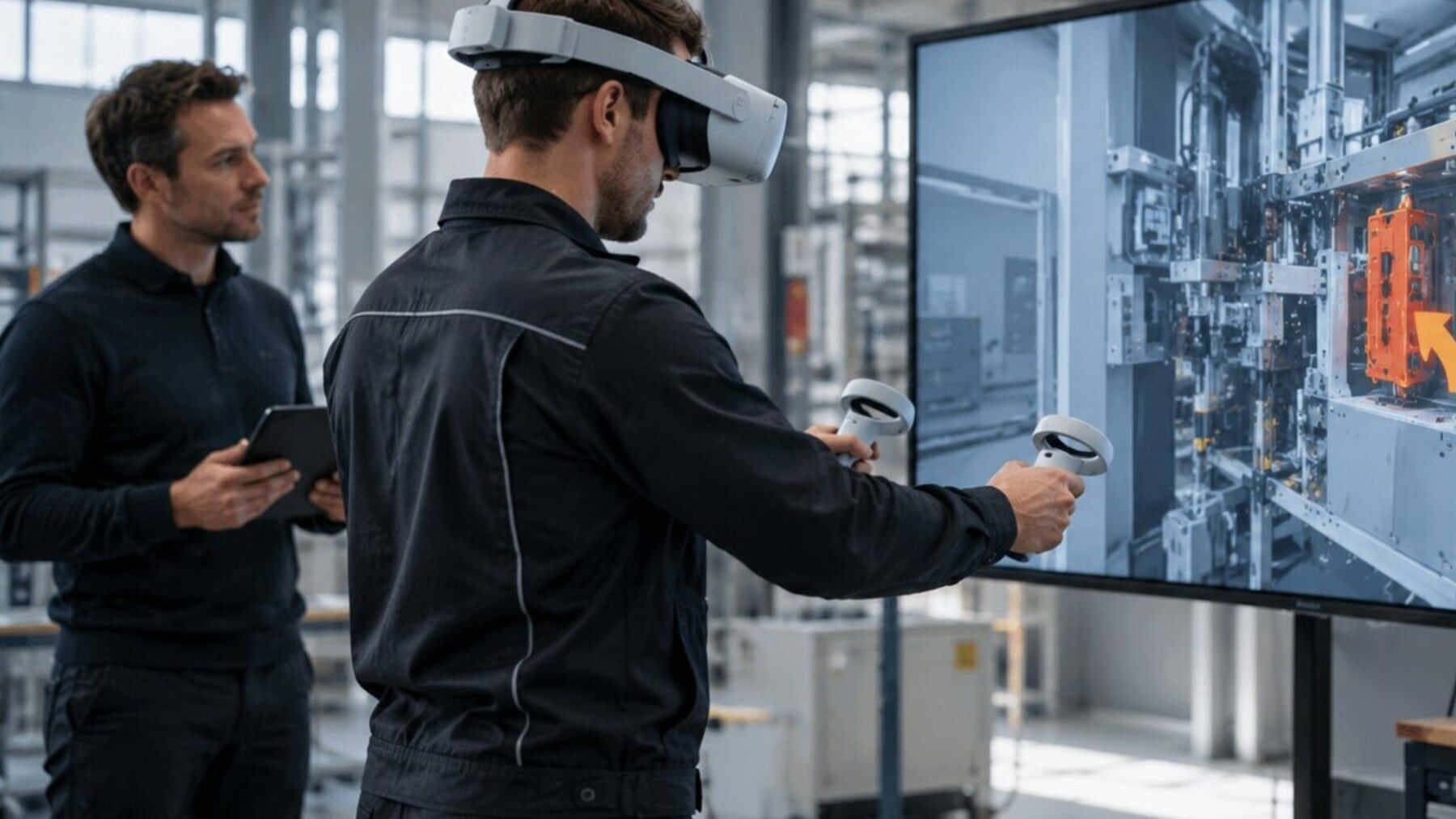
The right headset follows the workflow, not the brand.
Task, session length, mobility, interaction, environment and operating model are more important than a generic “best headset” label.
VR training prioritizes standalone operation, comfort and repeatable interaction.
Wireless standalone devices can work well for training. Comfort, controller or hand tracking, onboarding and reliable kiosk-style app launch are key.
Mixed reality adds passthrough and spatial requirements.
When users need to see the real workplace, passthrough quality, latency, spatial anchors, field of view and robust hand interaction become more important.
Enterprise deployment extends beyond buying hardware.
Fleet management, accounts, updates, app distribution, Wi-Fi, privacy, charging, hygiene and replacement units all affect rollout.
Availability and lifecycle matter.
Production deployments should consider device availability, platform update policies and the actual enterprise features provided by the vendor.
A short device test is often cheaper than an early commitment.
If two platforms are plausible, testing a core interaction with real 3D content can quickly reveal which device fits better technically and ergonomically.