
Technology & platform
Apple Vision Pro for premium spatial computing experiences.
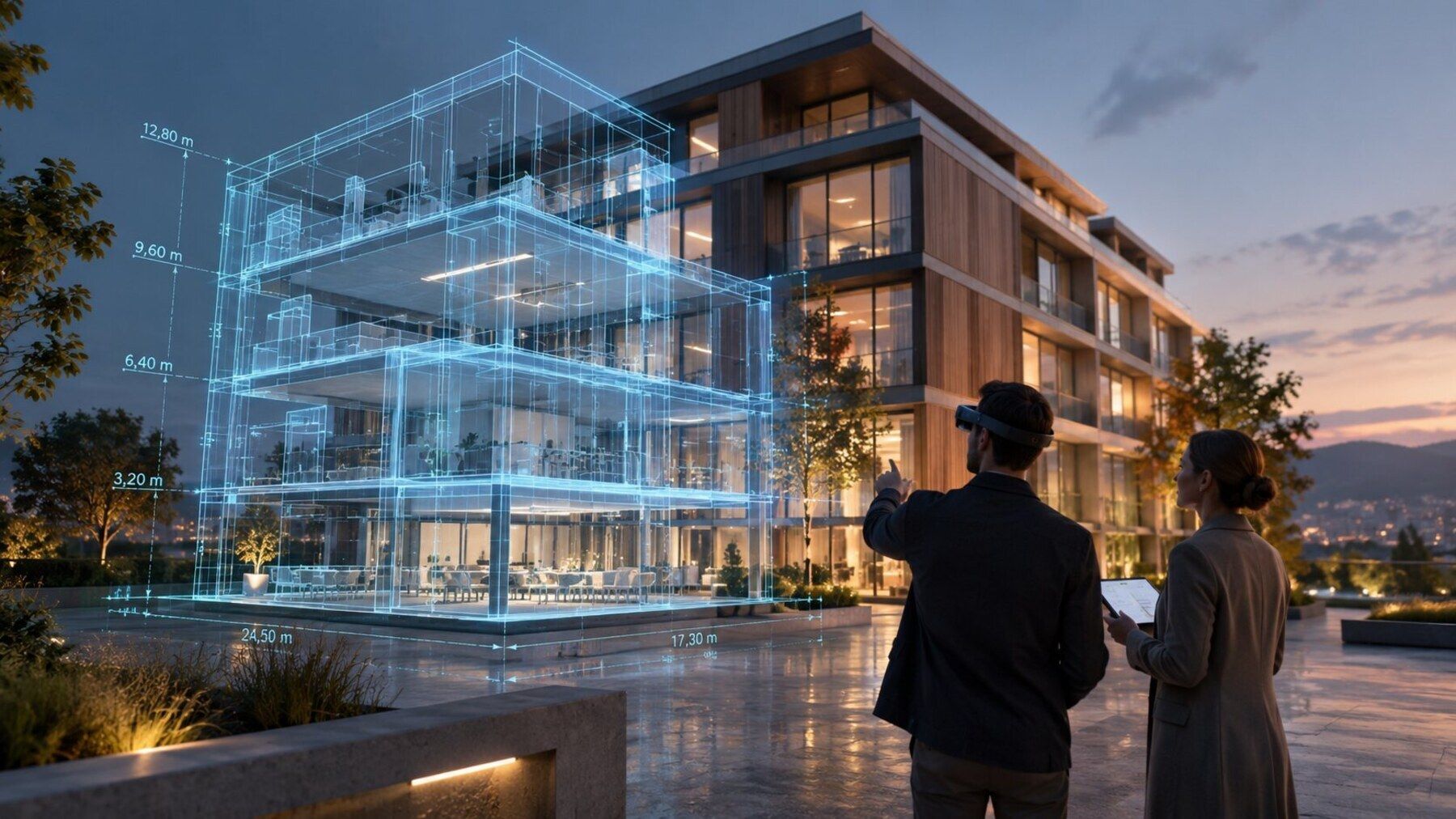
Apple Vision Pro combines high-resolution spatial presentation with hand and eye interaction. It can be a strong fit for premium visualization, design reviews and selected enterprise workflows.
Technical context
What we consider when working with Apple Vision Pro.
Platforms are selected according to use case, audience, required functions, operations and availability — not brand preference.
High-quality spatial visualization
Hand and eye interaction concepts
Immersive and window-based spatial experiences
Design and product review scenarios
Enterprise deployment considerations
Platform-specific performance and UX validation
Platform choice
Technology is only a good fit when it works in production.
Alongside rendering and interaction, we review rollout, device management, update paths, availability and the actual operating environment.
Clarify before committing
- Which functions are available on the planned device generation?
- Which OpenXR or platform-specific extensions are genuinely required?
- How will apps, devices, users and updates be managed in production?
- Which performance, ergonomics and offline requirements apply on site?
Related topics
Evaluate technology in the context of the whole project.
Device and platform choices are considered together with the use case, 3D data, integration and rollout.
Frequently asked questions
Apple Vision Pro in project context.
When is Vision Pro a good fit?
When visual quality, spatial presentation and natural interaction are central, and the device economics fit the target audience and deployment model.
Can Unity be used for Vision Pro?
Yes, with the appropriate Unity and visionOS workflow. The exact package and platform requirements should be validated for the project.
Check Apple Vision Pro against your actual use case.
We evaluate platform fit, target hardware, 3D data, integration and operations together instead of selecting technology in isolation.